 InDown
Save Instagram Reels & Stories in seconds
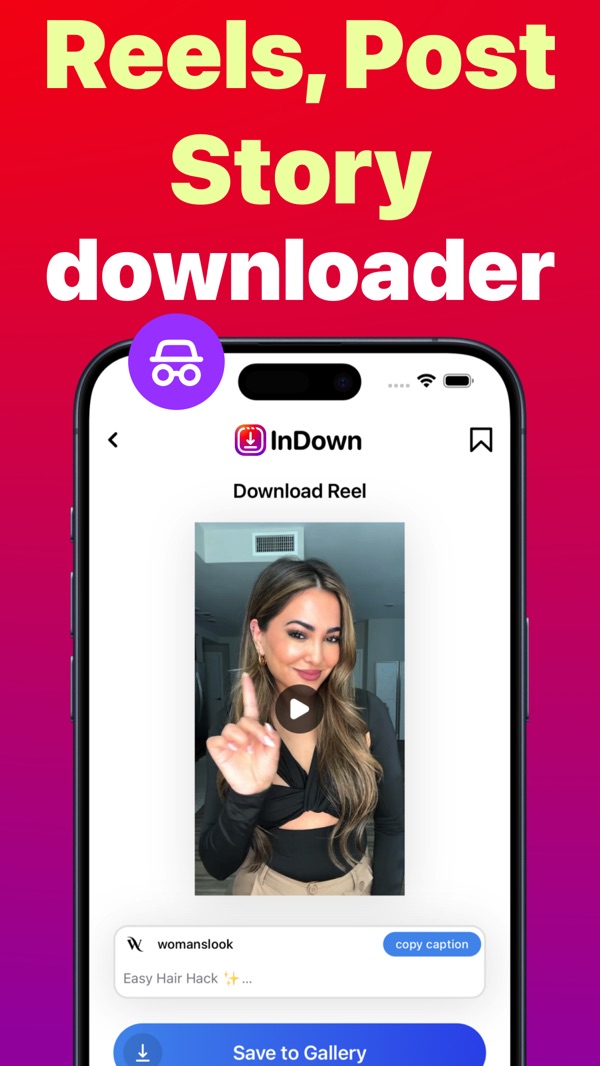
InDown saves reels, stories, photos and videos in HD and keeps them organized in your own collections. Paste a link, tap once, done. No Instagram login needed.
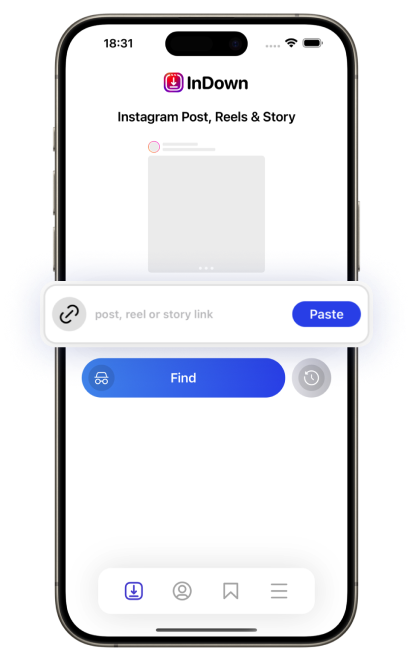
Everything you save, in one tidy place
Built for creators, small businesses and anyone who keeps finding posts worth saving.
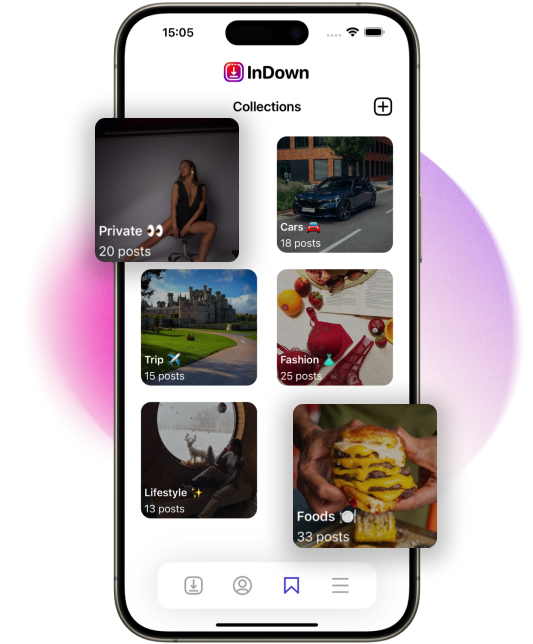
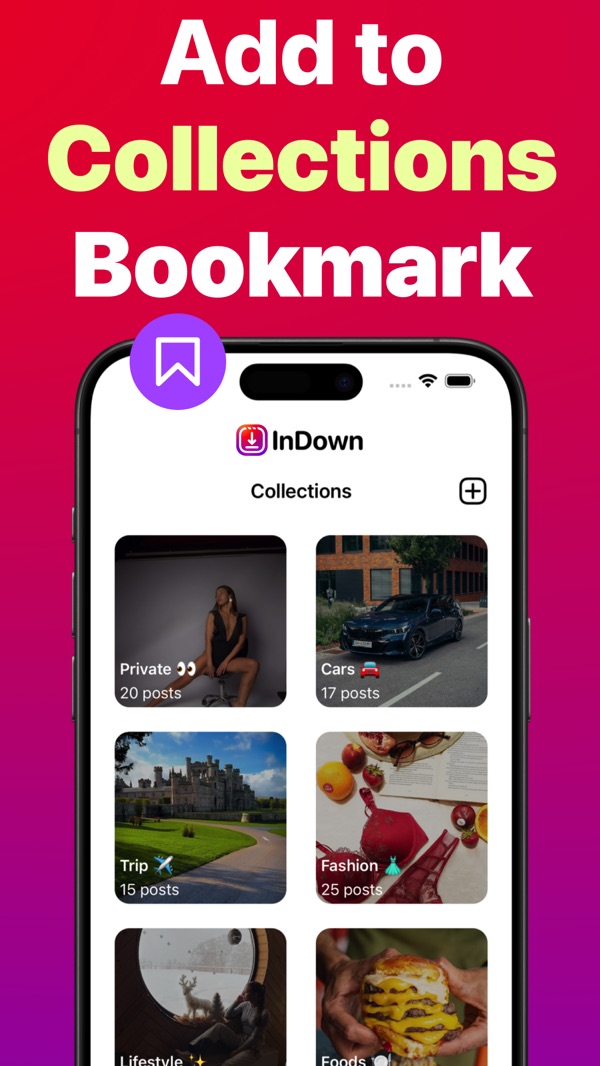
Collections that keep you organized
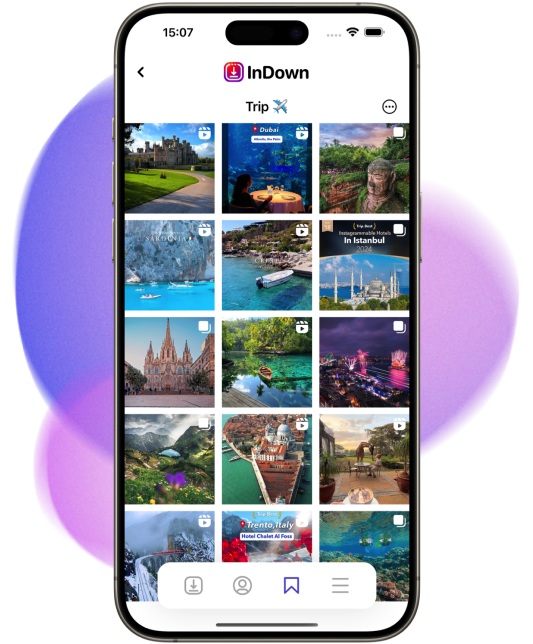
Group saved stories, reels, videos and photos into your own collections. Find that recipe reel or outfit idea again in two taps.
- Unlimited collections
- Posts with multiple photos and videos saved together
- Copy captions with one tap
Private by design
InDown never asks for your Instagram password. Paste a public link and the content is saved straight to your device.
- No Instagram login
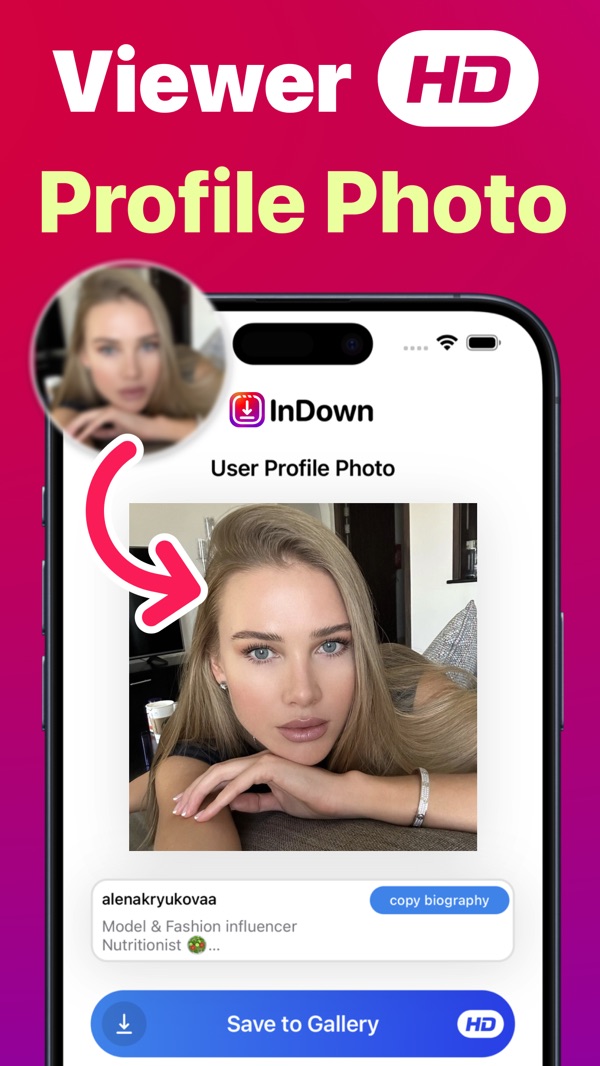
- HD photos, videos and profile pictures
- Saved to your own Photos library
Reels downloader
Save reels in full quality to watch offline.
Story viewer & saver
View and keep stories before they disappear.
Photos & carousels
Every photo and video in a post, in one go.
HD profile photos
See and save profile pictures in full size.
Caption copy
Grab captions and hashtags with a tap.
Collections
Sort everything the way you like.
Three steps, no account
Copy the link
In Instagram, tap Share on a reel, post or story and choose Copy link.
Paste in InDown
Open InDown, tap Paste and then Find. The content loads in a moment.
Save or collect
Save it to Photos or add it to one of your collections.

Questions
Do I need to log in to Instagram?
No. InDown works with public links, so your Instagram password stays with you.
Is InDown free?
Yes, InDown is free to download on the App Store.
Where are my downloads saved?
In your Photos library, and inside InDown if you add them to a collection.
Can I save private accounts' content?
No. InDown only works with content that is publicly available. Please respect creators' rights and save content for personal use.